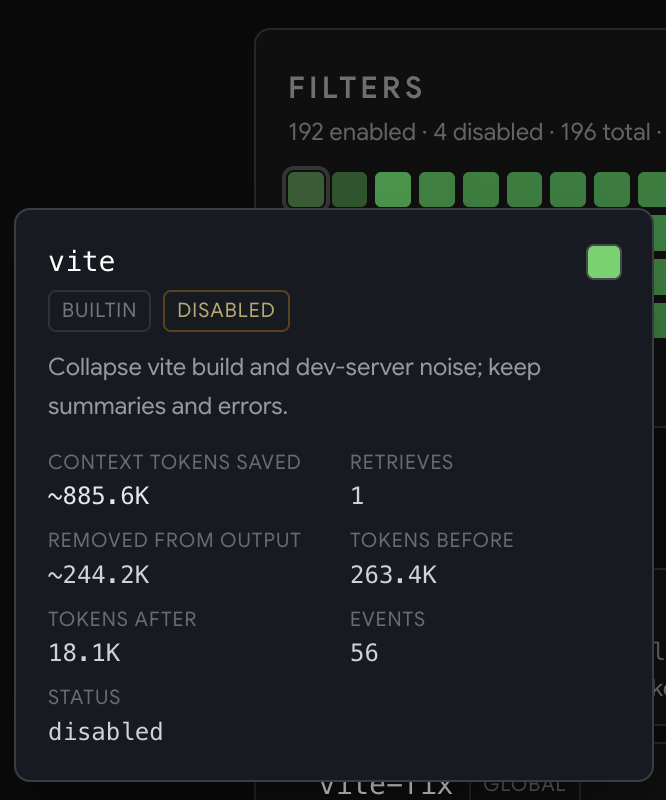
Smart terminal filters
Built-in, flag-aware filters cut repetitive terminal output while preserving failures, summaries, and the clues your agent needs next.
How token savings work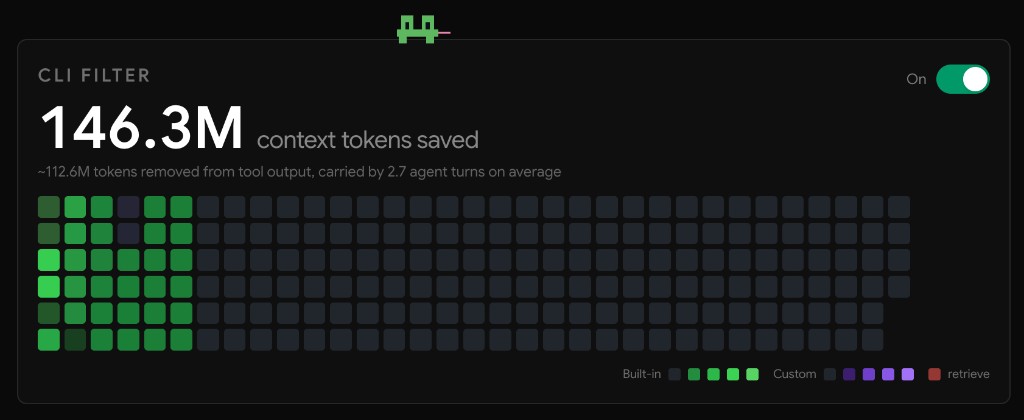
Explore how Boost saves context, explains agent work, and fits the developer tools your team already uses.
Built-in, flag-aware filters cut repetitive terminal output while preserving failures, summaries, and the clues your agent needs next.
How token savings workCreate TOML filters for your internal CLIs and scripts, or let your coding agent mine local Boost history and draft the highest-impact filters for you.
Create a custom filter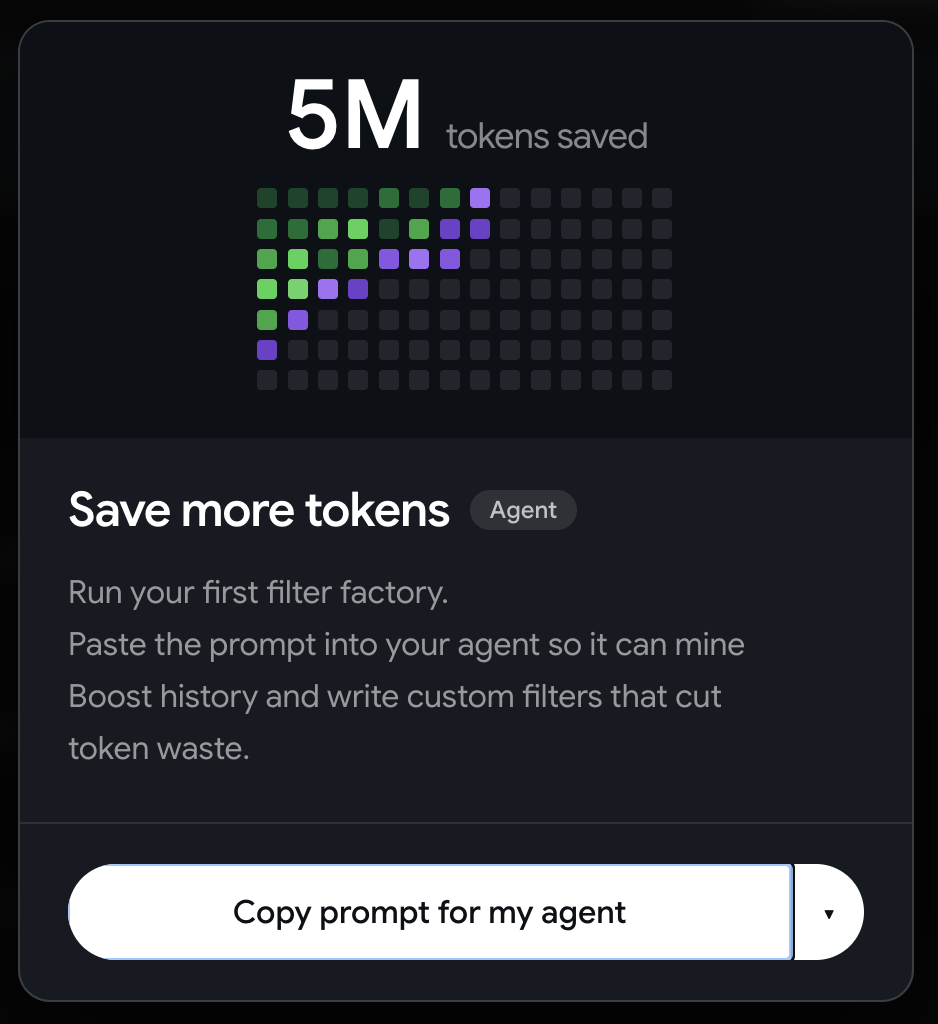
Compress large MCP JSON responses before they enter agent context. Boost keeps a local record of compressed calls and the context saved.
Configure MCP compression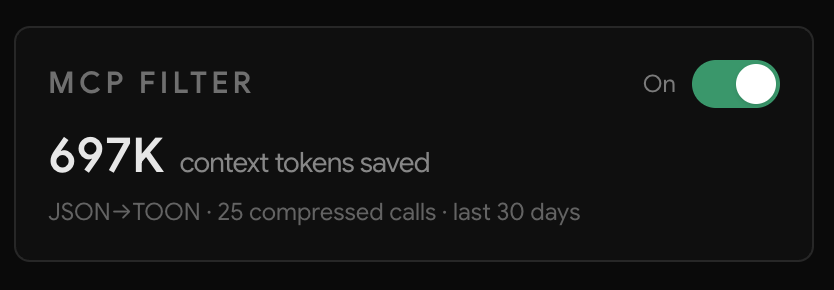
BoostGraph gives agents structural code search instead of long search-and-read loops. In early benchmarks, exploration completed 3× faster and cost up to 50% less.
BoostGraph feature guideOpen a session to see its models, subagents, turns, tool calls, token usage, and the filters that saved context. Provider counts and estimates stay clearly separated.
Why Boost measures locally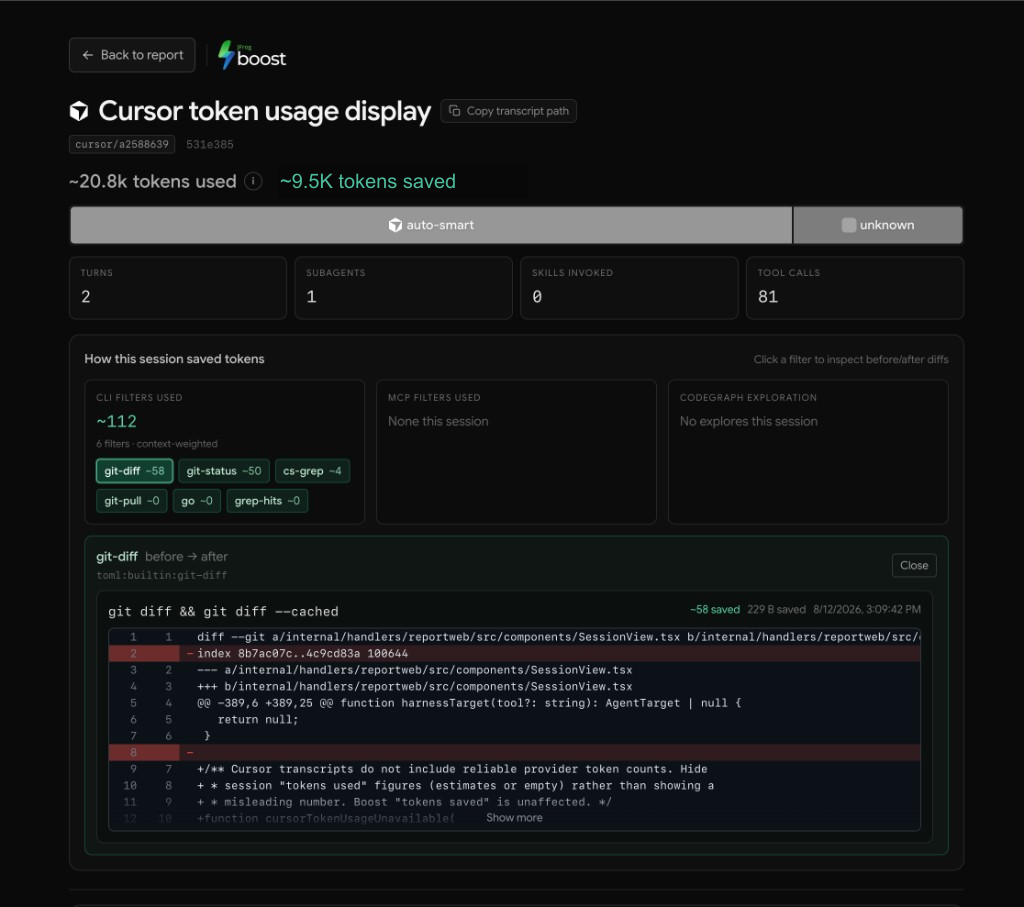
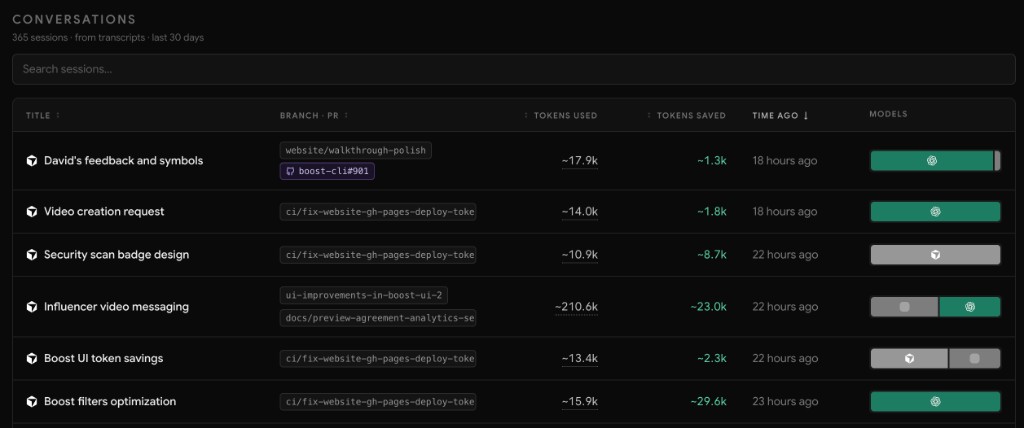
Move between parent sessions and subagents, inspect the tools each one used, and open before-and-after filter diffs without leaving the report.
Keep one live pull-request comment with token usage and estimated cost broken down by coding-agent harness and model.
Set up PR usage commentsBoost works out of the box, then adapts to how your team builds. Shape filtering, reporting, privacy, and updates without changing your agents or everyday commands.
Explore configuration